
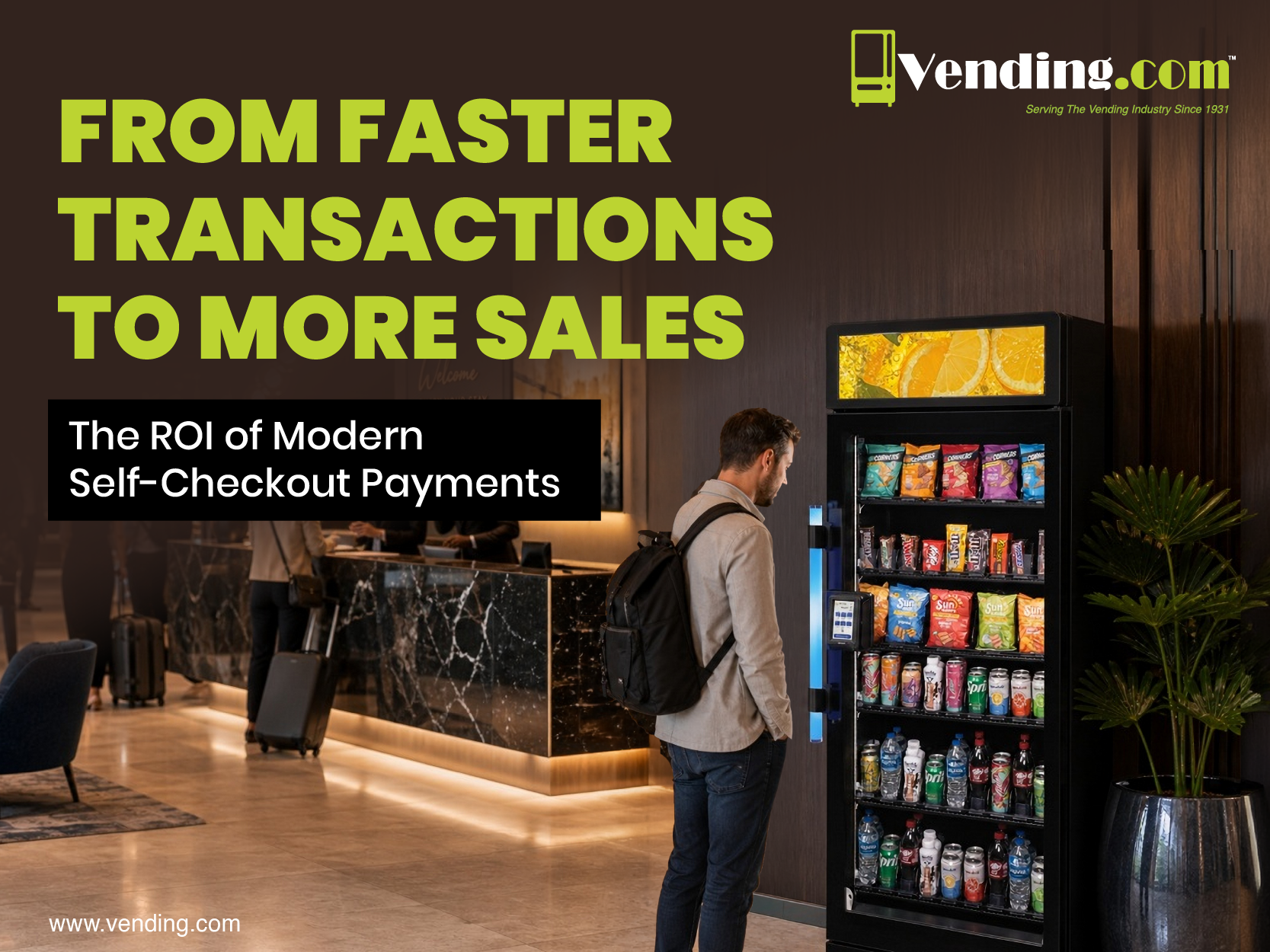
In unattended retail, checkout friction is more than a minor annoyance; it’s a silent revenue killer. Customers may select a product, approach the kiosk, and be ready to buy, but if the payment process is slow, confusing, or doesn’t support their preferred method, that sale can vanish instantly.
- Long transaction times: Every extra second increases the chance of abandonment.
- Limited payment options: If a customer can’t pay the way they want, they often won’t pay at all.
- Complex interfaces: Confusing steps erode confidence and reduce completion rates.
Benefit: Eliminating friction protects revenue streams and ensures every product selection has the best chance of becoming a completed sale.
In This Blog:
- How Self-Checkout Payments Increase Revenue Through Faster Transactions
- Why Flexible Self-Checkout Payment Options Drive More Sales
- What Self‑Checkout Data Reveals
- What To Look for in Self-Checkout Payment Solutions for Retail
- Why Vending.com Delivers
- Turn Faster Payments into Stronger ROI
How Self-Checkout Payments Increase Revenue Through Faster Transactions
Speed isn’t just convenience; it’s economics.
- Throughput: Faster transactions mean more customers served per hour, maximizing revenue per square foot.
- Impulse purchases: Quick checkout encourages grab-and-go buying, especially in high-traffic locations.
- Peak-demand sales: During breaks or shift changes, speed determines whether lines move or stall.
Lesson: Payment speed directly translates into higher sales volume without additional staff or space.
Why Flexible Self-Checkout Payment Options Drive More Sales
Today’s consumers expect flexibility, and they punish businesses that don’t provide it.
- Contactless cards: Tap-and-go has become the default in many regions.
- Mobile wallets: Apple Pay, Google Pay, and others dominate among younger demographics.
- Digital-first consumers: Many no longer carry cash, and some avoid swiping altogether.
Takeaway: Supporting multiple payment methods reduces friction, expands your customer base, and encourages repeat visits.
What Self-Checkout Data Reveals About Customer Behavior
Every transaction is a data point, and the right reporting turns those points into strategy.
- Peak periods: Identify when demand spikes to optimize stocking and service.
- Product demand: See which items drive sales and which underperform.
- Location performance: Compare sites to spot expansion opportunities.
Operator insight: Data‑driven decisions improve product mix, optimize service timing, and maximize ROI across locations.
What To Look for In a Self-Checkout Payment System
Not all systems are created equal. Decision‑makers should prioritize:
- Speed: Transactions must be quick and intuitive.
- Features that enable speed: Compact 5” high‑resolution touchscreen for fast navigation, integrated barcode reader for instant item scanning, and streamlined checkout flow that minimizes steps.
- Flexibility: Support for cards, wallets, and digital receipts.
- Features that enable flexibility: Contactless reader with chip, magstripe, and mobile wallet compatibility (Apple Pay, Google Pay), plus account‑based payments for repeat customers.
- Data visibility: Actionable insights into customer behavior.
- Features that enable visibility: 365 Connected Campus℠ integration with backend reporting, secure transaction logs, and connectivity options (Wi‑Fi, LTE, Bluetooth, Ethernet) for real‑time monitoring.
- Scalability: Systems that grow with your network.
- Features that enable scalability: Space‑saving countertop design with non‑slip base, durable IP54‑rated front for reliability, and modular deployment across small offices, lounges, or satellite locations.
Choosing the right system ensures every investment delivers measurable business value.
Why Vending.com Delivers
Vending.com’s self-checkout payment solutions combine speed, flexible payment options, and robust reporting to help operators:
- Reduce abandoned purchases – Contactless reader and mobile wallet support ensure customers can always pay the way they prefer.
- Capture more impulse buys – Compact design and friction‑free checkout encourage grab‑and‑go transactions in small spaces.
- Serve more customers per location – High‑throughput barcode scanning and intuitive touchscreen interface maximize transaction speed.
- Gain actionable insights for smarter growth – 365 Connected Campus℠ integration provides operators with real‑time reporting, inventory visibility, and secure transaction tracking.
Turn Faster Payments into Stronger ROI
Ready to eliminate checkout friction and turn faster transactions into stronger ROI? Contact Vending.com today to implement self‑checkout payments that deliver measurable gains in sales, efficiency, and customer satisfaction.
Frequently Asked Questions About Self-Checkout Payments
What Is a Self-Checkout Payment System?
A self-checkout payment system allows customers to independently complete purchases using contactless cards, mobile wallets, digital accounts, or other cashless payment methods without assistance from staff. These systems are commonly used in vending machines, smart coolers, micro markets, and other unattended retail environments.
How do self-checkout payments improve sales?
Self-checkout payments improve sales by reducing friction during the purchasing process, helping customers complete transactions faster and reducing abandoned purchases.
What payment methods should a modern self-checkout system support?
The best self-checkout payment solutions support contactless cards, EMV chip cards, Apple Pay, Google Pay, digital wallets, and account-based payments.
Can self-checkout payments improve ROI?
Yes. Faster transactions, more payment flexibility, increased throughput, and reporting insights all contribute to improved return on investment.